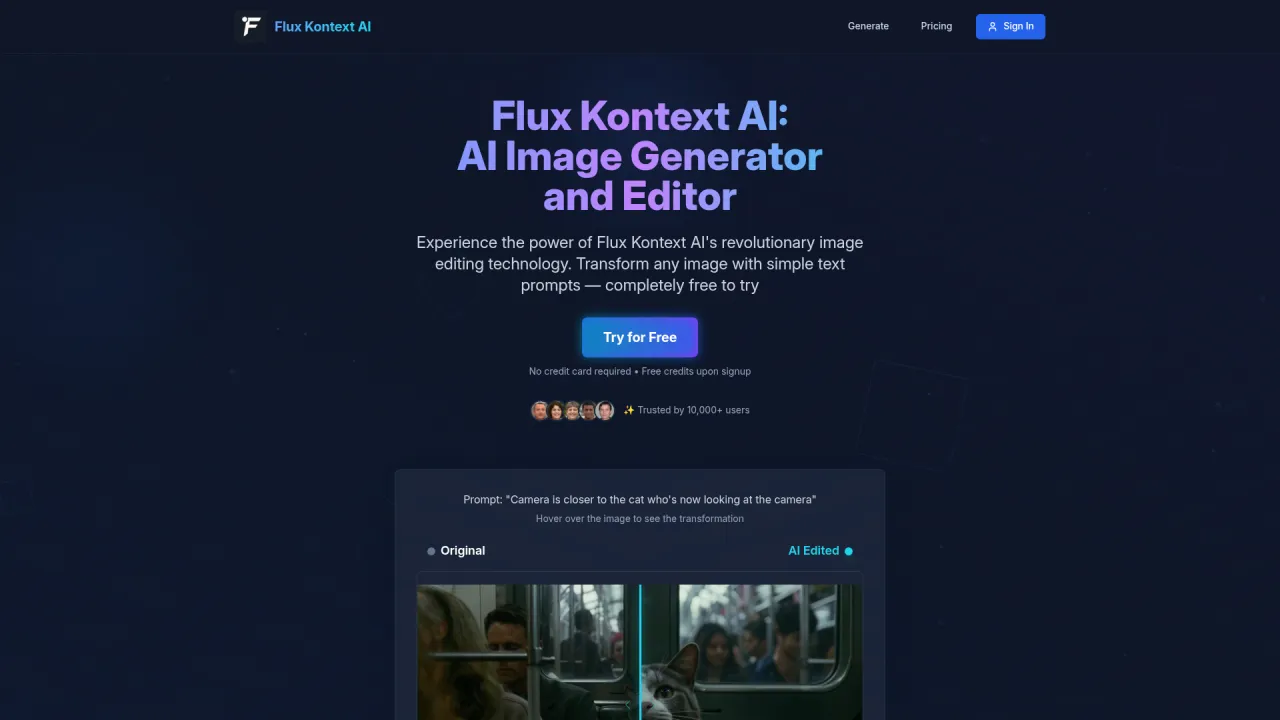
Image to Sketch | Lovnib
Lovnib | AI Sketch Art Studio.
- Category
- Image to Image Variation
- Alternatives
- 6 similar tools
- Last updated
- 1 weeks ago
- Source
- Official site ↗︎
AI Collection Top Picks

Image to Image Variation Category Picks
About Image to Sketch | Lovnib
Lovnib is an AI sketch art studio for creators. Turn photos and prompts into pencil, ink, charcoal, outline, and drawing-style artwork.
What you get
Additional Information
Lovnib is a focused AI sketch art studio designed for creators looking to produce drawing-style artwork from photos and textual prompts. It consolidates various photo-based tools and text-led creation into a single platform, offering specialized sketch styles such as pencil, ink, charcoal, cross-hatching, and cartoon outlines. This allows creators to easily select the option that best fits their project needs, whether they are producing personal keepsakes, professional outlines, or prompt-based sketches.
Users can begin their creative process by uploading a photo or selecting a prompt. Lovnib supports a range of workflows, allowing users to generate sketches with softer pencil shading, clean ink lines, dramatic charcoal strokes, or textured cross hatching. The platform emphasizes user-friendliness, enabling creators to navigate through its tools based on their specific outputs or styles. This is especially valuable for those who wish to explore multiple sketch styles from a single upload or quickly switch between focused tools.
In terms of privacy and data handling, Lovnib adheres to strict guidelines by storing uploaded and generated images to provide its services while ensuring that these are not used to train AI models. Users maintain ownership of their uploaded images, and the platform's outputs can be used for both personal and commercial purposes. Additionally, Lovnib offers a credit-based system for generating artwork, giving new users trial credits and various paid plans for more extensive needs.
Lovnib ultimately aims to make digital sketch creation accessible and efficient, providing a clear and structured approach to generating high-quality sketches for a diverse range of projects, from personal artwork to commercial design.
Frequently asked questions
What is Image to Sketch | Lovnib used for?
Lovnib | AI Sketch Art Studio.Is Image to Sketch | Lovnib free?
Pricing for Image to Sketch | Lovnib varies — see the Pricing section for details.What are alternatives to Image to Sketch | Lovnib?
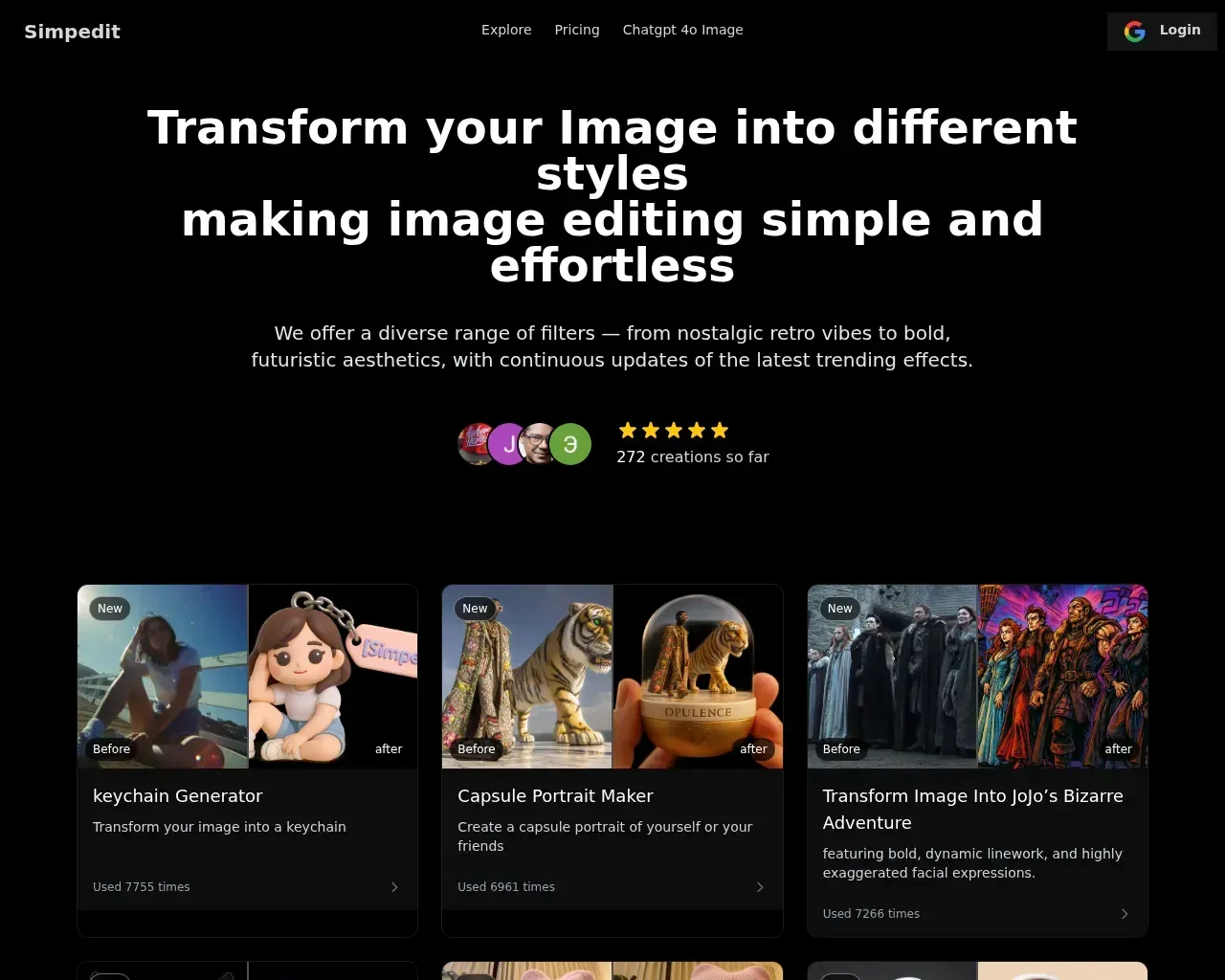
Top alternatives to Image to Sketch | Lovnib include SDXL TURBO ONLINE, Photo to Anime, AI Anime Filter, Raphael AI, Simpedit.Where can I get Image to Sketch | Lovnib?
Image to Sketch | Lovnib is available at https://imagetosketch.org.What category is Image to Sketch | Lovnib in?
Image to Sketch | Lovnib is listed in Image to Image Variation.What will the final result look like?
Our tool converts your photo into a black-and-white sketch/line art style, preserving the main subject and structure of the original image while changing only the artistic style—without randomly altering facial features or composition. We currently support multiple styles to choose from, and we'll continue adding new ones. Each style will have its own dedicated showcase page with detailed comparison examples. After uploading your photo, you can freely switch between styles to preview which sketch effect best suits your needs before deciding to download.What is Lovnib?
Lovnib is an AI sketch art studio for creating drawing-style artwork from photos and prompts. It brings photo-based tools, text-led creation, and focused sketch styles into one place for creators who want pencil, ink, charcoal, outline, and cross-hatching results.What kind of photos work best for conversion?
Generally, photos with a clear subject, proper lighting, simple background, and minimal filters produce the best sketch results. For portraits, it helps when the face occupies a good portion of the frame with clear features, no severe backlighting or extremely dark environments, and an uncluttered background. Avoid photos with heavy beauty filters or exaggerated effects. If you're not satisfied with the result, try using a clearer original photo first, or switch to a different style on the editing page—this usually improves the outcome significantly.Which Lovnib tool should I start with?
Start with the general photo tool if you want to upload one picture and compare different drawing styles. Use the pencil, ink line, charcoal, cartoon outline, cross-hatching, or text-led tools when you already know the style or input you want.Why do faces sometimes get distorted or hands look weird?
These issues typically result from current AI conversion limitations, not problems with your photo. Common causes include faces being too small in the frame, obscured by hair or hands, or extreme shooting angles that make it difficult for the system to accurately identify facial features. Additionally, if the original photo has heavy beauty filters, cartoon effects, or distortion applied, the AI works from that altered base to create the sketch, which can lead to unnatural-looking features and fingers. In these cases, try using photos with clearer, less obscured faces and lighter filters. If a particular style still produces odd results, switching to a different style usually helps significantly.What styles can I create in Lovnib?
Lovnib supports pencil sketch, ink line art, charcoal, cross hatching, and cartoon outline workflows. Use the overview on this page to compare directions, then open a focused tool page when you want details for one style or creation path.Will my uploaded photos be made public? How is privacy handled?
By default, trial creations may be displayed publicly to help others understand the actual results. If you are concerned about privacy, subscribe to a membership to use privacy mode. Member-generated works follow privacy settings and are not publicly displayed by default. Regardless of plan, we never use your personal photos for commercial purposes. Related images are used only within the scope of website services.How does Lovnib handle uploaded images?
Lovnib stores uploaded and generated images to provide the service. The Privacy Policy states that uploaded images and generated content are not used to train AI models, and that users may request deletion of account-associated data.Do I need credits to generate?
Yes. Each image-to-sketch generation uses credits. New accounts receive monthly trial credits plus 20 sign-up credits, so you can test the upload, edit, and download workflow before choosing a paid plan.
Compare Image to Sketch | Lovnib with…
Pick any tool to see a structured side-by-side: pricing, deployment, capabilities, and content policy.